
Last month, a staff engineer told me a story I can’t shake. Their team added an AI coding agent to “speed things up.” It worked—until the first production incident. Nobody could explain why a helper function existed, why it used three caches, or why it silently swallowed errors.
If you lead engineers or you’re the one who gets paged at 2 a.m., this is for you. AI agents can ship code fast, but they can also ship confusion even faster. In the next few minutes, you’ll learn production-proven context engineering patterns that help you use agents without building technical debt you’ll regret.
The promise is simple: you’ll leave with a practical way to compare workflows, pick guardrails, and get better code—not just more code.
What’s happening?
Teams are moving from “AI as autocomplete” to “AI as teammate.” Instead of asking for one function, you ask an agent to plan a change, edit files, run tests, and open a pull request.
This shift is real because the tools got better. Agents can read large codebases, follow instructions across steps, and keep going when the first attempt fails.
But there’s a catch. Agents don’t “know” your system the way your best engineers do. They only know what you show them: the repo, the docs, the tickets, the logs, the prompts, and the rules you set.
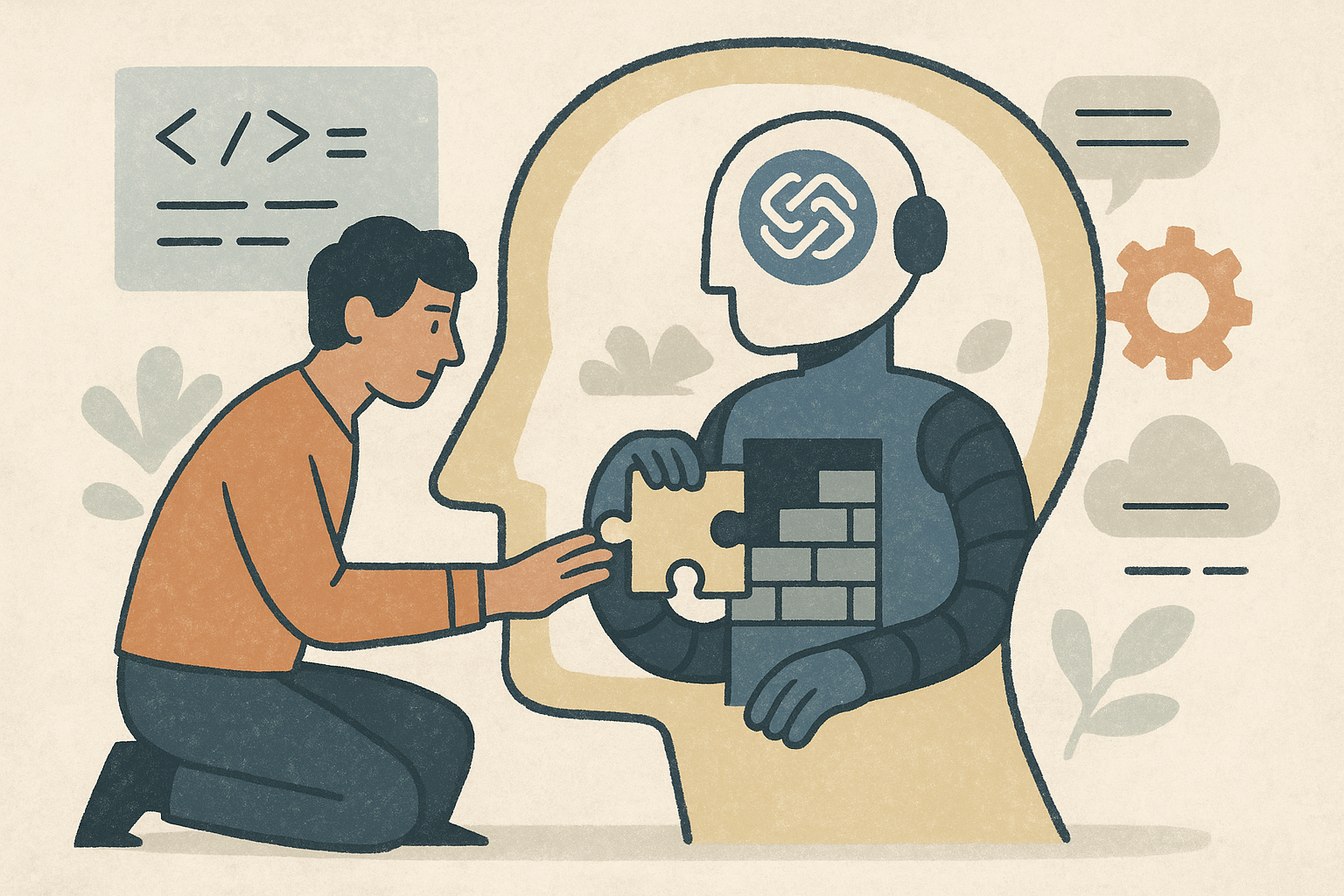
That’s where context engineering comes in. It’s the practice of feeding the agent the right information, in the right shape, at the right time—so it makes fewer bad guesses.
In production, most agent mistakes aren’t fancy. They’re basic:
- They miss a hidden constraint (like a latency budget or a compliance rule).
- They copy a pattern that looks right but is outdated.
- They change code without updating tests, docs, or runbooks.
- They make “helpful” refactors that break observability or error handling.
So the trend isn’t just “use agents.” It’s “use agents with a system.”
Why it matters now
If you’re evaluating new workflows, you’re probably chasing three goals: ship faster, keep quality high, and avoid burning out your team.
Agents can help with the first goal right away. That’s why they’re tempting. But the second and third goals are where teams get surprised.
Here’s the uncomfortable truth: speed without shared understanding is debt. You don’t always see it in the sprint. You see it a month later when onboarding slows down, incidents rise, and every change feels risky.
Context engineering patterns are how you keep the speed while protecting the system. They turn “random output” into “repeatable work.” They also make reviews easier because the agent’s choices are tied to your rules, not its mood.
And there’s a leadership angle. When a team adopts agents, the work shifts:
- Less time typing code.
- More time defining constraints, reviewing diffs, and shaping decisions.
- More need for crisp docs and clear ownership.
If you don’t plan for that shift, you’ll feel it as friction. If you do plan for it, you’ll feel it as leverage.
Practical pathways
There isn’t one “right” way to adopt AI coding agents. Most teams mix options based on risk, budget, and how regulated their environment is. Below are common paths, with honest pros and cons.
Bootcamps (internal or external)
- Pros: Fast start; shared language; good for teams new to agents; can include hands-on labs with your stack.
- Cons: Often tool-focused; may skip real production constraints; skills fade without follow-up habits.
Online certificates (vendor or platform)
- Pros: Structured learning; easy to scale; good for baseline knowledge like prompt patterns and safety basics.
- Cons: Generic examples; may not cover your repo, your risk model, or your release process.
Professional courses (architecture + governance)
- Pros: Better for engineering leads; covers policy, security, and workflow design; helps you avoid “tool chaos.”
- Cons: More time and cost; still needs translation into your day-to-day practices.
Trade schools and vocational programs
- Pros: Strong focus on practical skills; good for building reliable habits; often includes teamwork and process.
- Cons: Less tailored to modern software delivery; may lag on fast-changing agent tooling.
Apprenticeships (pairing humans + agents)
- Pros: Real work, real feedback; builds judgment; great for onboarding; makes “how we do things” visible.
- Cons: Requires senior time; needs clear review standards; can slow down before it speeds up.
Community college programs
- Pros: Solid foundations; affordable; good for building long-term capability, not just quick wins.
- Cons: Slower pace; may not cover your exact tools; harder to tie directly to current sprint goals.
Self-learning (docs, blogs, experiments)
- Pros: Flexible; cheap; great for curious engineers; lets you test ideas quickly.
- Cons: Inconsistent quality; easy to pick up bad habits; hard to align a whole team.
If you’re an engineering lead, here’s a simple way to choose: use structured learning to set a baseline, then use apprenticeships and real PRs to build muscle.
Coding tutorial: Add a “Context Pack” so your agent stops guessing (in 15 minutes)
Goal: You’ll create a small, repeatable set of files—called a context pack—that you can attach to agent tasks. It gives the agent your rules, your architecture, and your definition of “done.”
Why this solves a real problem: Most agent-driven technical debt comes from missing context. A context pack reduces rework by making constraints obvious upfront.
End result: A folder in your repo like this:
- agent/README.md (how to use the pack)
- agent/product.md (what the system does and what matters)
- agent/architecture.md (key flows and boundaries)
- agent/standards.md (coding and testing rules)
- agent/done.md (definition of done)
We’ll generate it with a tiny script so you can standardize it across repos.
Step 1: Create the generator script
#!/usr/bin/env python3
from __future__ import annotations

from pathlib import Path

TEMPLATES: dict[str, str] = {
    "README.md": """# Agent context pack

Use these files as the default context for AI coding agents working in this repo.

How to use:
- Attach or paste: product.md, architecture.md, standards.md, done.md
- Keep tasks small: one feature or one bugfix per request
- Ask for a plan first, then code

Owner: <TEAM_OR_PERSON>
Last updated: <YYYY-MM-DD>
""",
    "product.md": """# Product context

What this system does (2–5 bullets):
- <WHAT_IT_DOES>

Who uses it:
- <PRIMARY_USERS>

What matters most:
- Reliability: <SLO_OR_EXPECTATION>
- Security/compliance: <RULES>
- Cost/latency: <BUDGETS>

Non-goals (what not to do):
- <NON_GOALS>
""",
    "architecture.md": """# Architecture context

High-level diagram (describe in words):
- Entry points: <APIS_JOBS_UI>
- Core services/modules: <KEY_COMPONENTS>
- Data stores: <DATABASES_QUEUES_CACHES>

Important boundaries:
- Do not bypass: <AUTHZ_VALIDATION_RATE_LIMITS>
- External dependencies: <VENDORS_SERVICES>

Where to look in the repo:
- <PATHS_TO_KEY_CODE>
""",
    "standards.md": """# Engineering standards

Coding rules:
- Prefer small, readable functions
- No silent error swallowing
- Add logs for new failure paths (include request ids where possible)

Testing rules:
- Add/adjust unit tests for new logic
- Add/adjust integration tests for API or DB changes
- Do not change snapshots unless you explain why

Security rules:
- Never log secrets or tokens
- Validate input at boundaries
- Use existing auth helpers, do not roll your own
""",
    "done.md": """# Definition of done

A change is done when:
- Tests pass locally and in CI
- Public APIs are documented (if changed)
- Observability is updated (logs/metrics/alerts) when behavior changes
- Backward compatibility is considered
- Rollback plan is clear for risky changes

PR checklist:
- What changed and why (plain language)
- Risk level: low/medium/high
- How to test (step-by-step)
""",
}

def main() -> None:
    repo_root = Path.cwd()
    target_dir = repo_root / "agent"
    target_dir.mkdir(parents=True, exist_ok=True)

    for filename, content in TEMPLATES.items():
        file_path = target_dir / filename
        if file_path.exists():
            continue
        file_path.write_text(content, encoding="utf-8")

    print(f"Created context pack in: {target_dir}")
    print("Next: fill in placeholders like <TEAM_OR_PERSON> and <WHAT_IT_DOES>.")

if __name__ == "__main__":
    main()
What this does: It creates an agent/ folder and adds four core context files. It won’t overwrite files if they already exist, so you can safely rerun it.
Step 2: Run it
python3 -m venv .venv
source .venv/bin/activate
python3 create_context_pack.py
Expected output: You’ll see a line like Created context pack in: /path/to/your/repo/agent.
Step 3: Fill in the placeholders
Open the files in agent/ and replace values like <WHAT_IT_DOES>. Keep it short. Two pages of clear rules beat ten pages nobody reads.
Step 4: Use it in real work
When you ask an agent to do a task, attach or paste the contents of:
- agent/product.md
- agent/architecture.md
- agent/standards.md
- agent/done.md
Then ask for a plan before code. That one step alone cuts down on “surprise refactors.”
If you want a complete example repo, create a small internal template repo that includes agent/ by default. Treat it like you treat CI: part of the system, not a personal preference.
Apply it today
Context packs are the starter kit. The bigger win comes from a few repeatable patterns that keep agents useful and safe.
1) Use a two-step workflow: plan, then code
- Ask the agent to write a short plan with file paths, risks, and tests.
- Review the plan like you would review a design comment.
- Only then ask it to implement.
Common pitfall: letting the agent jump straight to code. That’s how you get “technically correct” changes that don’t match your intent.
2) Define “done” like you mean it
- Spell out required tests.
- Spell out observability expectations.
- Spell out docs and migration steps.
Misconception: “The agent will remember our standards.” It won’t, unless you make them part of the task.
3) Keep tasks small and scoped
- One bugfix.
- One endpoint.
- One refactor with a clear boundary.
Big tasks invite big guesses. Small tasks invite crisp diffs.
4) Create a “golden path” for common changes
- A standard way to add an API route.
- A standard way to add a database migration.
- A standard way to add a background job.
When the path is clear, the agent follows it. When it’s fuzzy, it invents one.
5) Put guardrails where they belong: in tooling
- Pre-commit hooks for formatting and basic checks.
- CI that blocks merges without tests.
- Linters that catch risky patterns (like broad exception catches).
Don’t rely on reviewers to catch everything. Reviewers are tired humans. Tooling is consistent.
6) Measure debt signals, not just output
- Reopen rate on PRs
- Change failure rate
- Time to review
- Incidents tied to recent changes
If those numbers get worse, your agent workflow is not “saving time.” It’s moving time into the future, with interest.
7) Decide where agents are not allowed (yet)
- Auth and permissions logic
- Billing and money movement
- Encryption and key handling
- High-risk migrations
This isn’t fear. It’s maturity. You can expand the safe zone as your patterns harden.
Conclusion
AI coding agents can be a gift to an engineering team—or a slow leak of technical debt. The difference is not the model. It’s the workflow you build around it.
Use context engineering to make your constraints obvious. Start with a context pack, require a plan-first step, and define “done” in plain language. Then back it up with tooling, small scopes, and real measurements.
If you’re evaluating agent workflows right now, ask yourself one question: when the agent ships code, does it also ship understanding? If not, what’s the smallest guardrail you can add this week to change that?